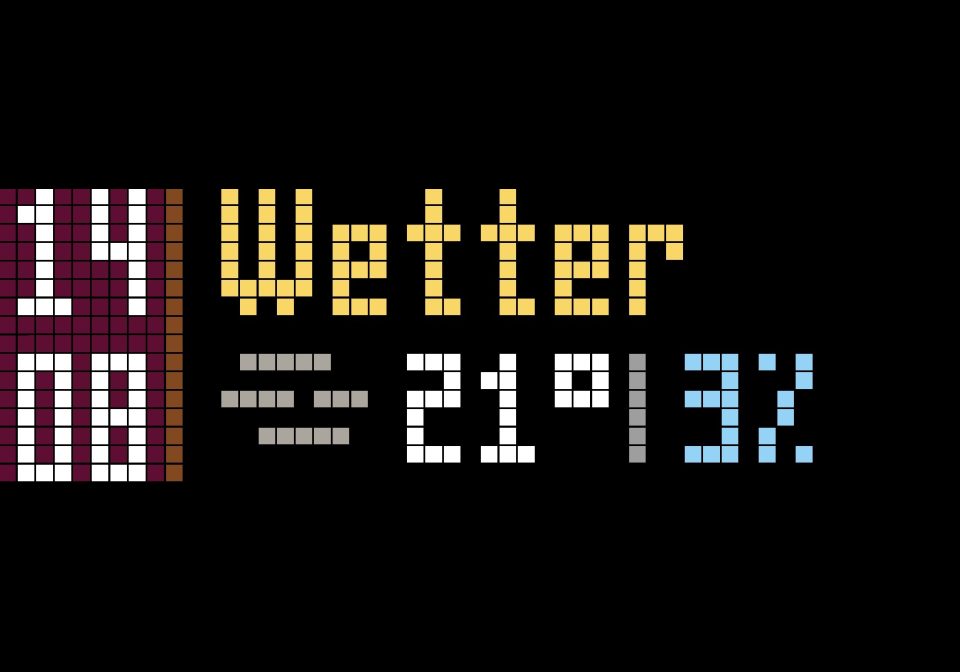
Clock plus Weather and rain forecast with Home Assistant and MQTT
Use with Home Assistant
Clock plus Weather and rain forecast with Home Assistant and MQTT
- Topic
- Smarthome
- Includes
- Flow
Runs on
- Does not run on 32×8 (TC001 & DIY) Made for 52×16 (TC002).
- Runs on 52×16 (TC002)
- Does not run on 32×8 with AWTRIX 3 (TC001 & DIY) Made for AWTRIX NG.
Flow description
What you need:
A little script in the configuration.yaml that makes 3 sensors for the weather-icon, the today high temp and the rain prediction for today
Home Assistant
Working MQTT
A few icons from the icon-gallery:
weather-snow, weather-clear-sky-sunny, weather-partly-cloudy, weather-fog, weather-rain-or-drizzle, weather-rain-showers, weather-thunder, weather-clear-sky-sunny
Use the code in Home Assistant as a script and you also need this little script in your configuration.yaml in Home Assistant where you should change the latitude and the longitude to your location! :)
You must change the MQTT Prefix in the code (ccc4b27798af) to the MQTT Prefix of your awtrix in the code!
  - resource: "https://api.open-meteo.com/v1/forecast?latitude=48.42&longitude=9.91&daily=precipitation_probability_max,temperature_2m_max,weather_code&forecast_days=1"
    scan_interval: 900
    sensor:
    - name: Tageshoechsttemperatur
      unique_id: tageshoechsttemperatur
      value_template: "{{ value_json.daily.temperature_2m_max[0] }}"
      unit_of_measurement: "°C"

    - name: Regenwahrscheinlichkeit Heute
      unique_id: regenwahrscheinlichkeit_heute
      value_template: "{{ value_json.daily.precipitation_probability_max[0] }}"
      unit_of_measurement: "%"

    - name: Wettercode Heute
      unique_id: wettercode_heute
      value_template: "{{ value_json.daily.weather_code[0] }}"```
Sign in to view and copy the code of this flow.
Discussion 0
Ask a question, suggest a change or share how you use it.
No comments yet. Start the conversation.
More flows for Home Assistant or Smarthome
Something wrong with this flow? Report it.
Have an idea?
Sign in to ask questions and join the conversation.