Solo Miner
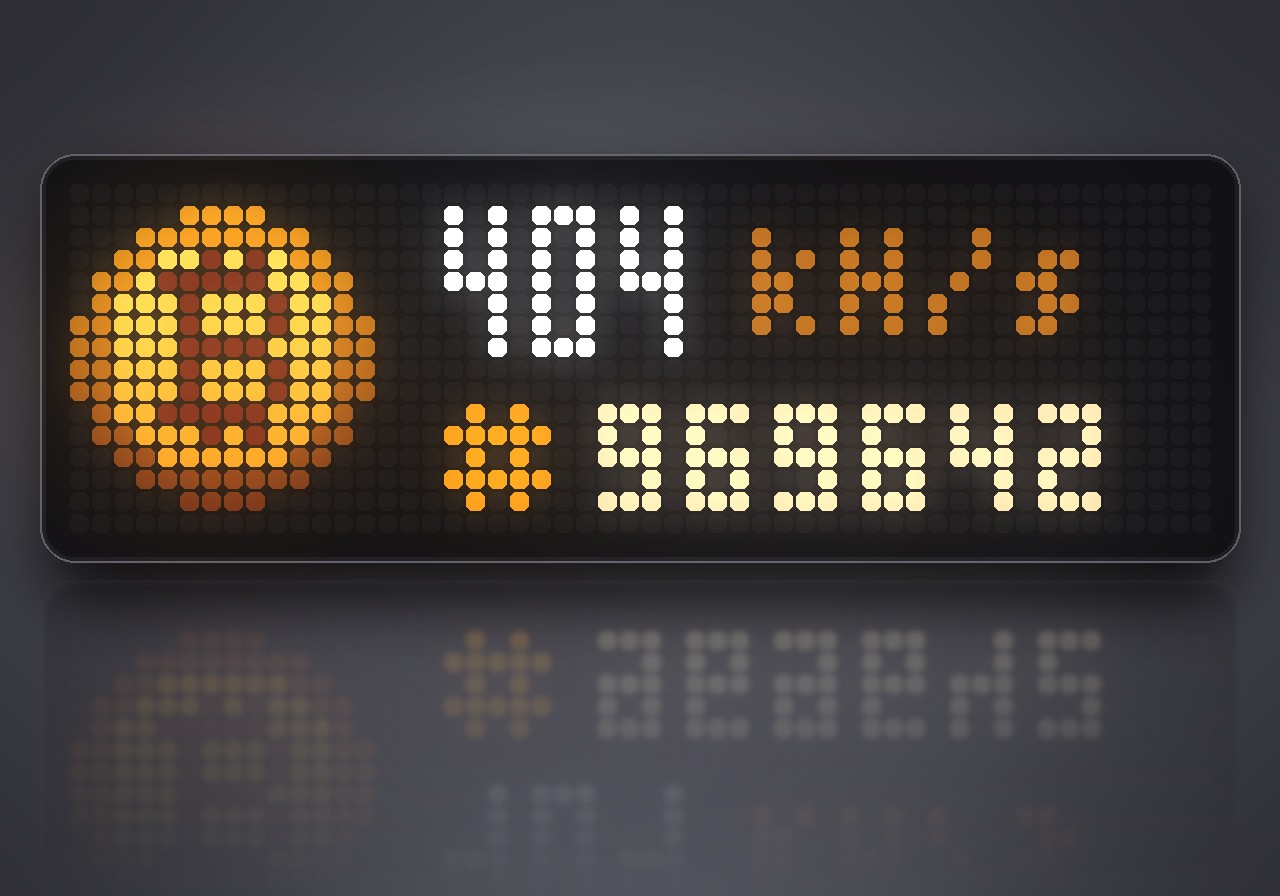
On your display
A Bitcoin solo lottery miner for the Ulanzi TC002: mines on a Stratum pool with the clock's spare processor time and shows hash rate, shares, best difficulty, block height and network difficulty on the 52×16 panel.
- Topic
- Miscellaneous
- Includes
- Script
Runs on
- Does not run on 32×8 (TC001 & DIY) Made for 52×16 (TC002).
- Runs on 52×16 (TC002)
- Does not run on 32×8 with AWTRIX 3 (TC001 & DIY) Made for AWTRIX NG.
Choose your display in the next step.
Flow description
Your clock spends most of its time waiting for the next second. Solo Miner puts that spare time to work: it mines Bitcoin on a Stratum pool, entirely on your Ulanzi TC002, and shows the whole operation live on its 52×16 panel. It is a lottery ticket that never runs out. Every hash is a tiny chance to find a whole block for yourself.
What's inside
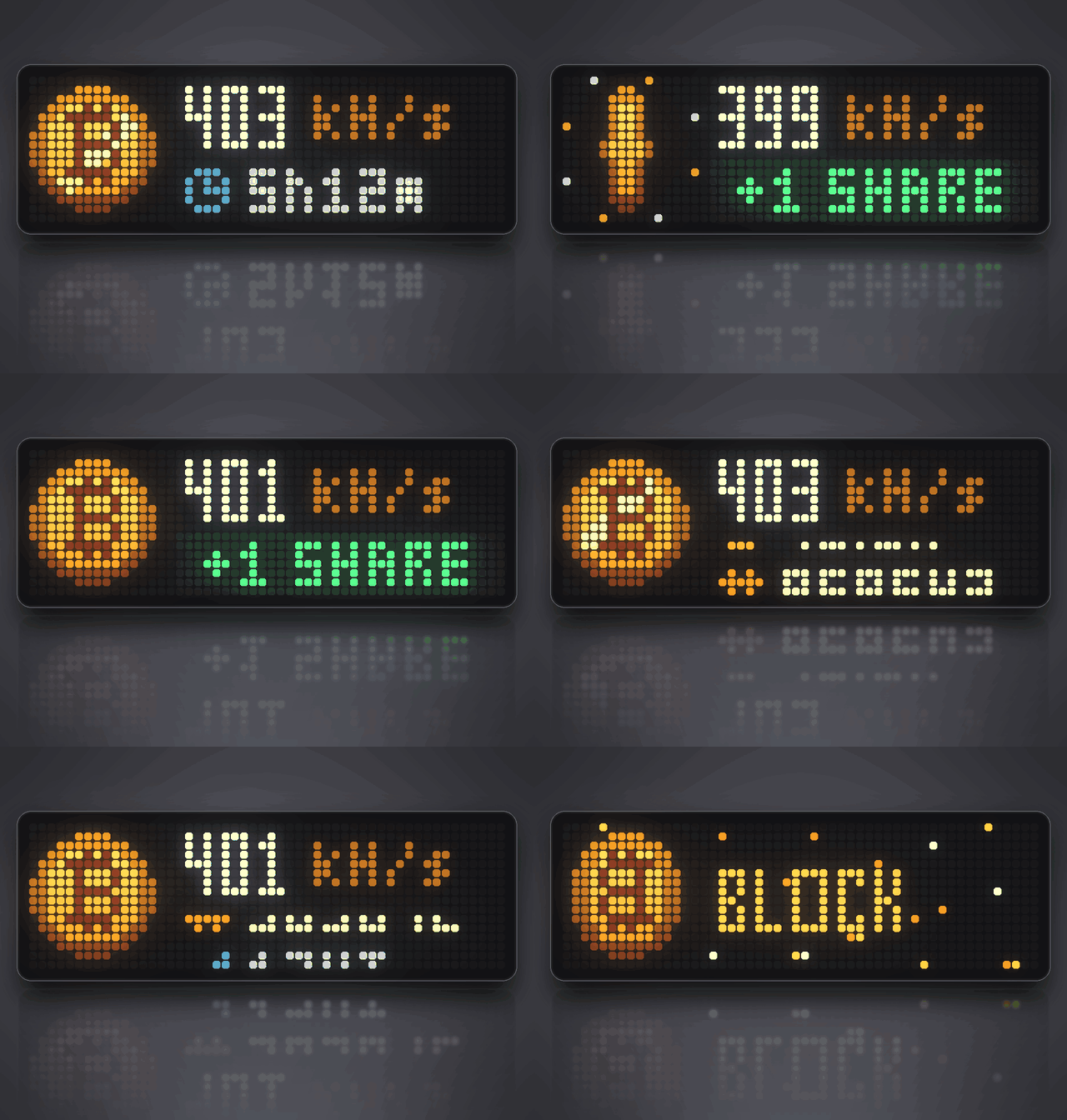
- Live dashboard: the hash rate in big digits next to a glinting Bitcoin coin, with a second line that cycles through five pages.
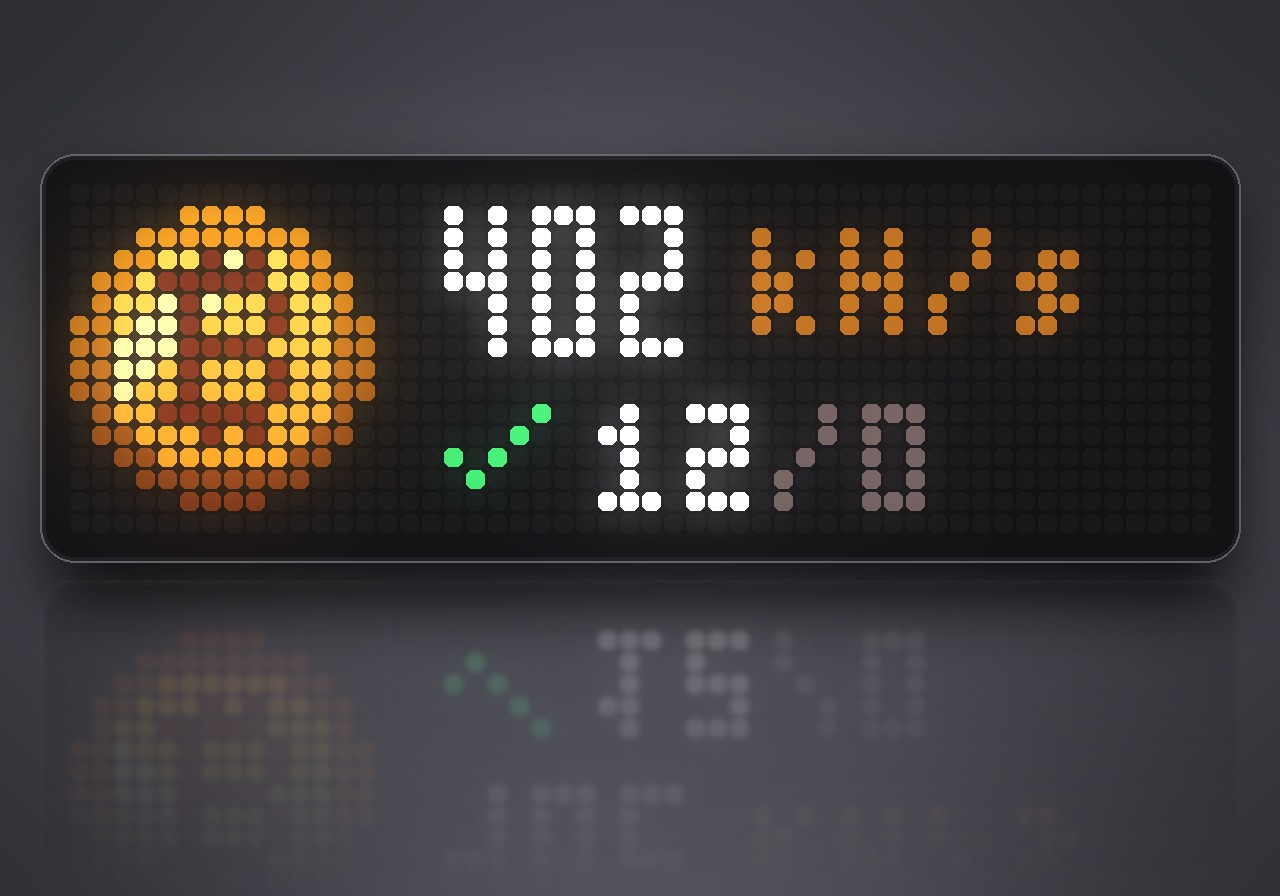
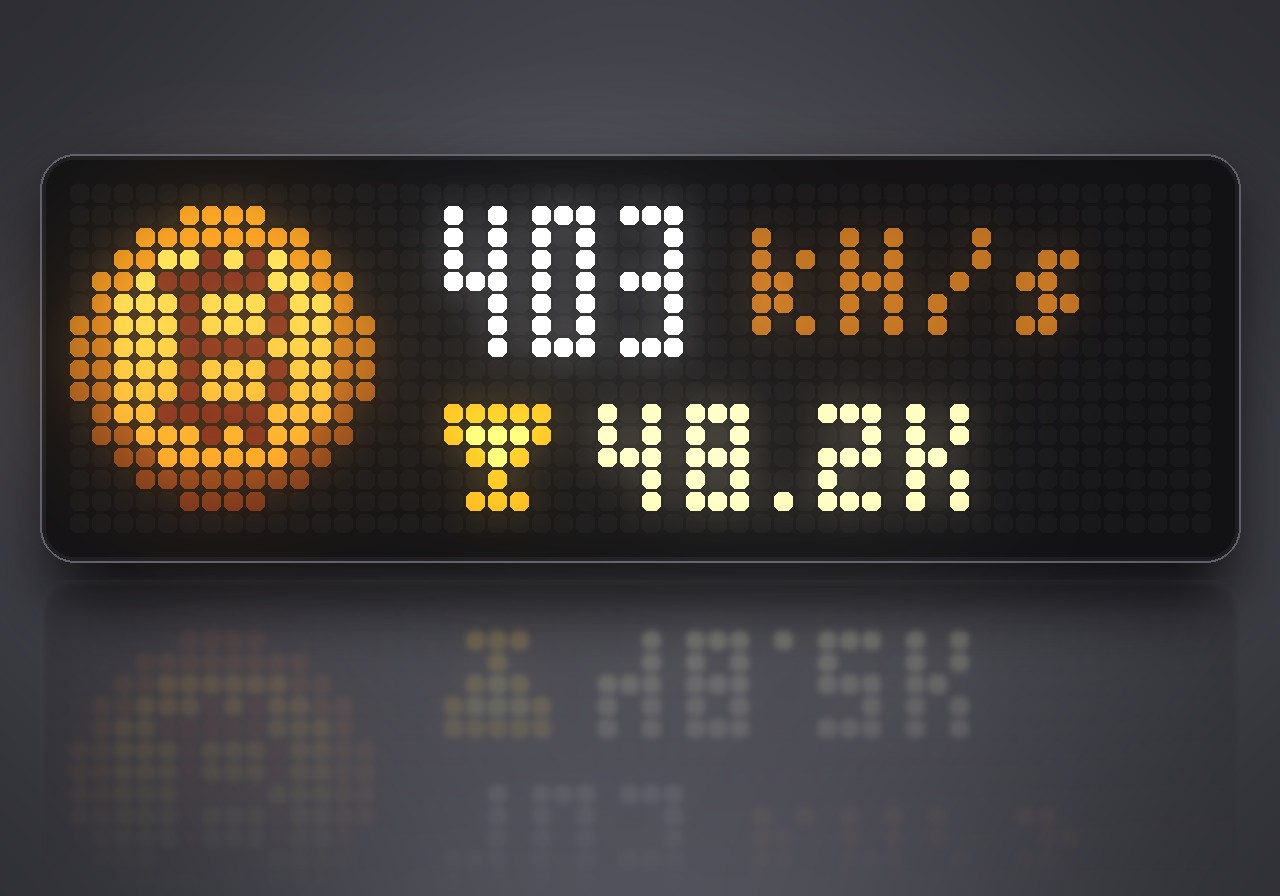
- Five pages: accepted and rejected shares, your best difficulty ever, the number of the block you are mining on, the network difficulty, and how long the miner has been running.
- Your best stays: the best difficulty you ever reached is kept across restarts and updates.
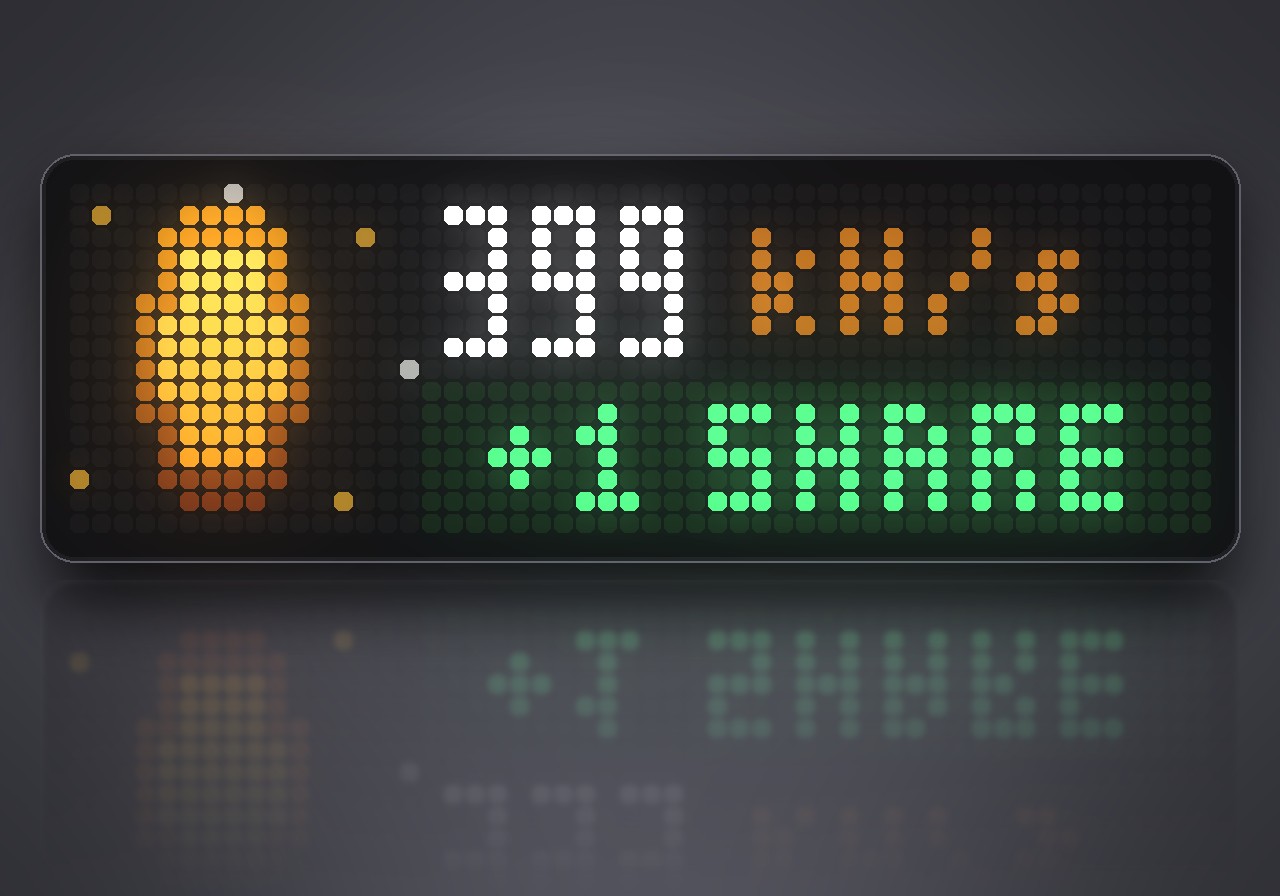
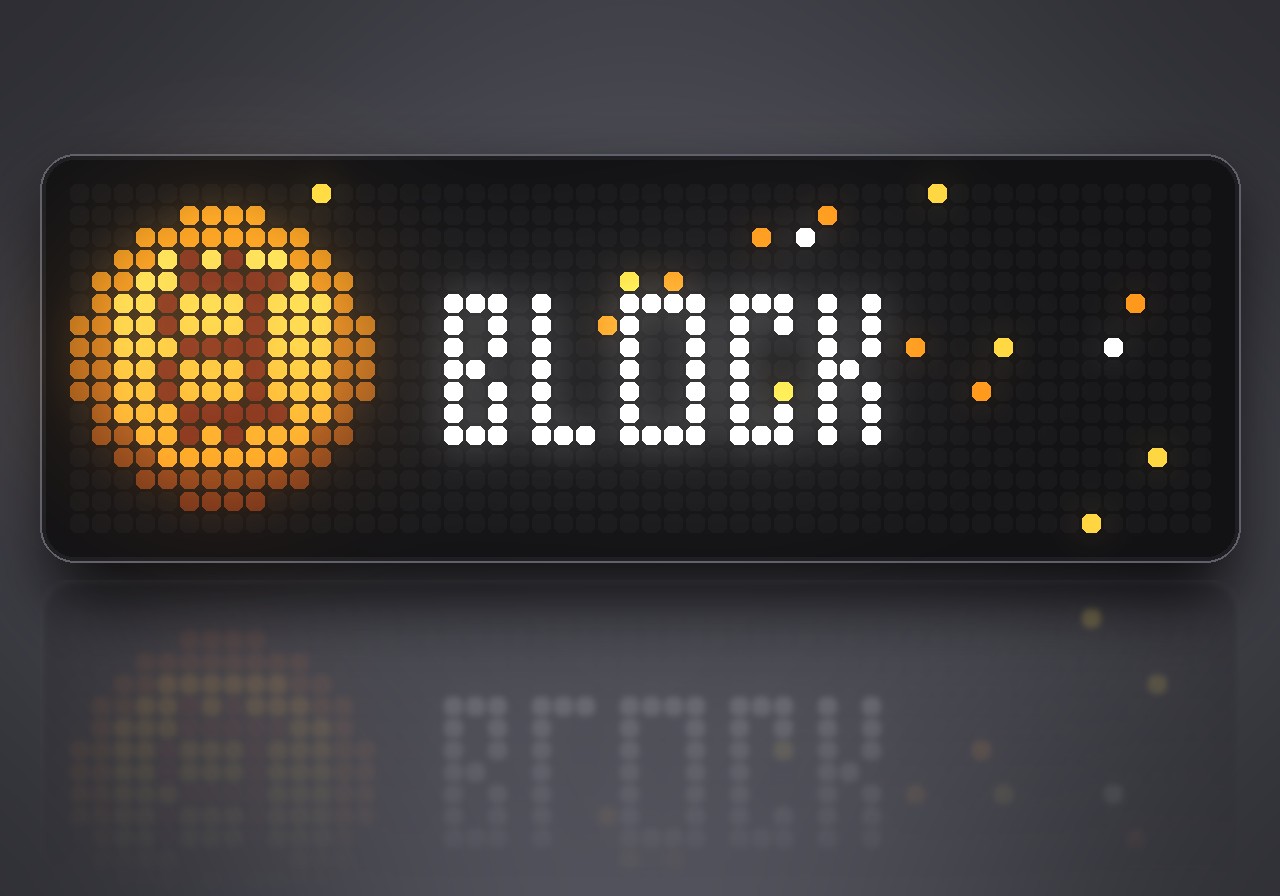
- Celebrations: the coin flips with a burst of sparks on every accepted share, and a block candidate gets its own screen.
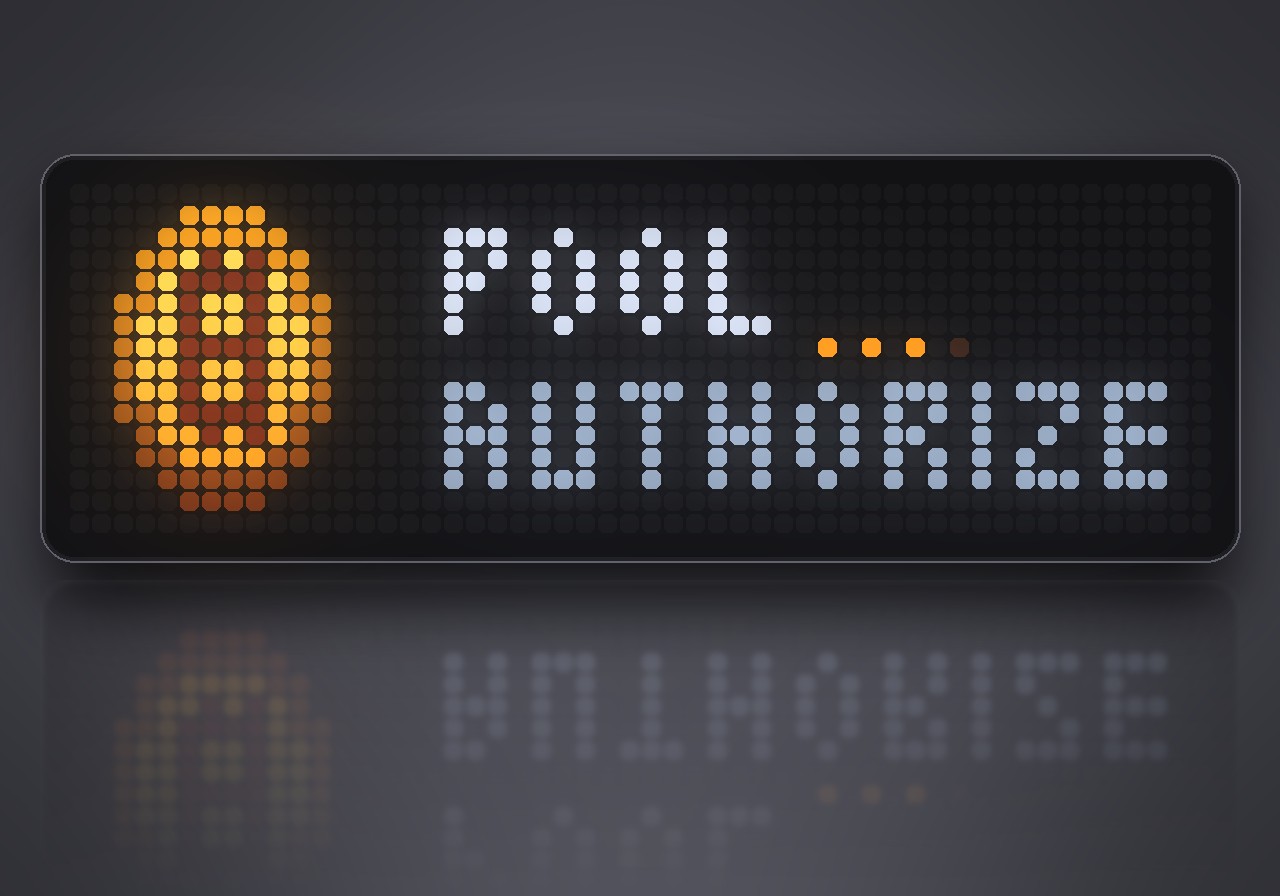
- Clear status: connecting, signing in, waiting for work, offline with the reason and a countdown, or a rejected address. Lost connections come back on their own.
- A good neighbour: mining only uses processor time the clock does not need, so the display, the web interface, the sound and your other apps keep running as before. The miner keeps going while other apps are on screen.
- Lightweight: the dashboard itself costs almost nothing to draw, so nearly all the spare time goes into hashing.
What you need
- An Ulanzi TC002 with AWTRIX NG. The app uses its 52×16 panel and its processor; other clocks show "TC002 ONLY".
- A Bitcoin address you control, for the payout.
- An internet connection. The default pool is public-pool.io, which needs no account.
How it works
Open the gear next to Solo Miner in the web UI's Apps list, enter your Bitcoin address and save. The clock connects to the pool and starts mining right away; the app then appears in the normal app rotation.
| Page | Shows |
|---|---|
| ✓ | accepted / rejected shares since the start |
| Trophy | the best difficulty you ever reached |
| # | the block height you are mining on |
| Ramp | the current network difficulty |
| Clock | how long the miner has been running |
A TC002 does about 400 000 hashes per second. Finding a block alone is extremely unlikely, which is exactly what makes it a lottery. Shares only show that the pool receives your work; they earn nothing on their own. If you do find a block, the pool pays the reward to your address.
Settings
Open the gear next to Solo Miner in the web UI's Apps list:
- Bitcoin address: where a block reward would go. Mining starts once it is set.
- Processor use: full uses every core, half keeps one core free.
- Pool: host, port, worker name and password of any Stratum v1 pool without TLS, plus the share difficulty to ask the pool for.
Sign in to view and copy the code of this flow.
Discussion 0
Ask a question, suggest a change or share how you use it.
No comments yet. Start the conversation.
More flows for AWTRIX NG Scripts or Miscellaneous
Something wrong with this flow? Report it.
Have an idea?
Sign in to ask questions and join the conversation.