Grid Power Flow Monitor (Home Assistant)
Use with Home Assistant Blueprint
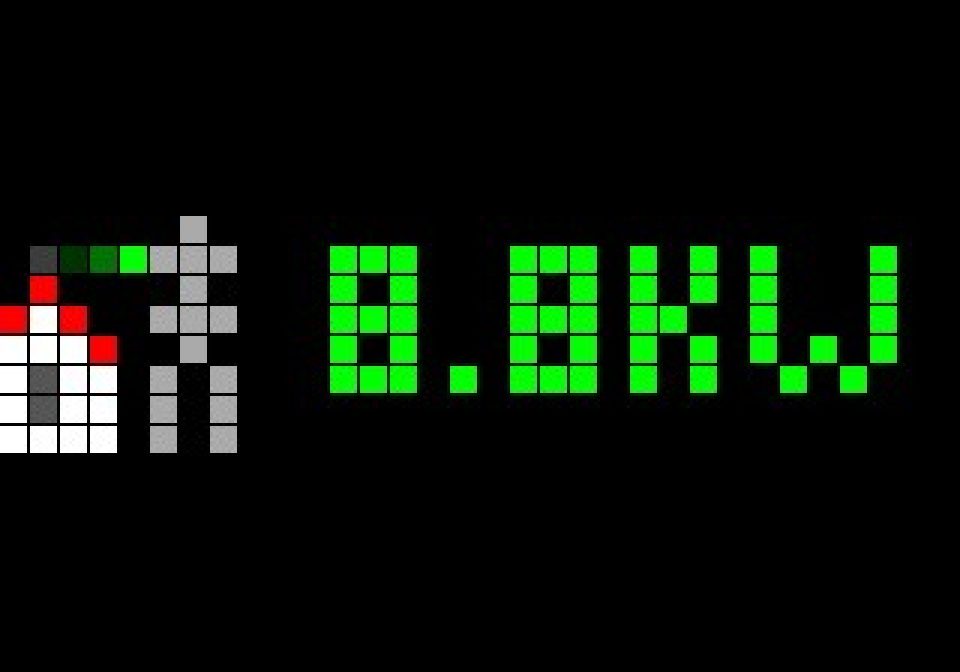
Shows grid import and export in W/kW. The icon animation shows the direction of the energy flow.
- Topic
- Smarthome
- Includes
- Flow
Runs on
- Runs on 32×8 (TC001 & DIY)
- Does not run on 52×16 (TC002) Made for 32×8 (TC001 & DIY).
- Does not run on 32×8 with AWTRIX 3 (TC001 & DIY) Made for AWTRIX NG.
Flow description
Shows the current grid power flow on your AWTRIX NG display (32×8) as a pushed app. The icon animation shows the direction of the flow:
| Grid power | Icon | Color |
|---|---|---|
| export (below -tolerance) | grid-export |
green |
| neutral (within +/- tolerance, default 20 W) | grid-neutral |
white |
| import (above +tolerance) | grid-import |
orange |
Values above 1000 W are shown in kW.
Requirements
- Home Assistant with the MQTT integration
- AWTRIX NG with MQTT and Home Assistant discovery enabled (the display must provide the
mqtt_prefixsensor) - A grid power sensor in watts, positive for import and negative for export. If yours is the other way round, use a template sensor with the sign flipped.
Setup
- Send the three icons to your AWTRIX (see the Icons tab of this flow).
- Import the blueprint into Home Assistant and create an automation from it.
- Select your display and the grid power sensor.
- Set the app order once on the display. The app is named
grid_power.
The app is updated on every sensor change and every 30 seconds, and disappears after 2 minutes without an update.
Source and more blueprints: https://github.com/foundnobetter/ha-blueprints
Sign in to view and copy the code of this flow.
Discussion 0
Ask a question, suggest a change or share how you use it.
No comments yet. Start the conversation.
More flows for Home Assistant Blueprint or Smarthome
Something wrong with this flow? Report it.
Have an idea?
Sign in to ask questions and join the conversation.