Full weather forecast by joining sensors and then parsing the combined flow
Use with Node-RED
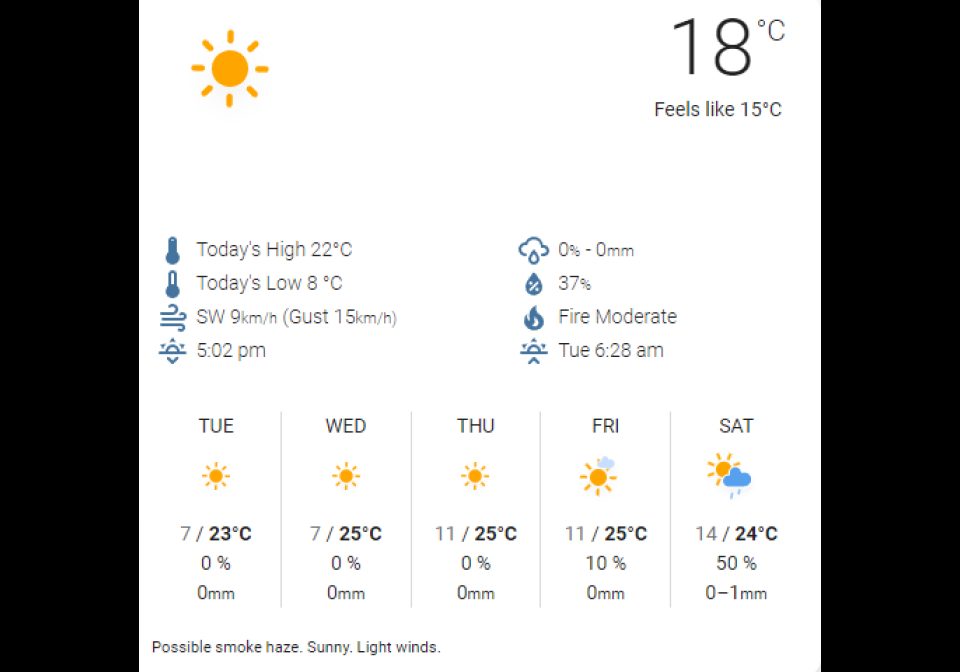
In this flow, I take the value of various existing Home Assistant weather sensors and join them to form a full weather forecast. If any sensor value is updated, the entire forecast gets updated.
- Topic
- Smarthome
- Includes
- Flow
Runs on
- Does not run on 32×8 (TC001 & DIY) Made for AWTRIX 3.
- Does not run on 52×16 (TC002) Made for AWTRIX 3.
- Runs on 32×8 with AWTRIX 3 (TC001 & DIY)
Is this your flow?
If you created this flow, open your saved edit link to add it to your account. You can then manage it whenever you sign in. Adding it to your account replaces the edit link.
Flow description
This app takes the sensor data that might be used in a custom weather card to create an app. It's a fairly simple app with the one 'trick' being to change the msg.topic of the sensor values to make a meaningful key/value object in the Join node. The Join mode waits until it gets data from all of the sensors (6 message parts) and the outputs each time a new part is received. The function node then parses out the variables to create the app. I've applied some simple conditional logic to shorten the message if there is no rain.
Use your own sensors (set output on connect to on)
Sign in to view and copy the code of this flow.
Discussion 0
Ask a question, suggest a change or share how you use it.
No comments yet. Start the conversation.
Have an idea?
Sign in to ask questions and join the conversation.