Starfall
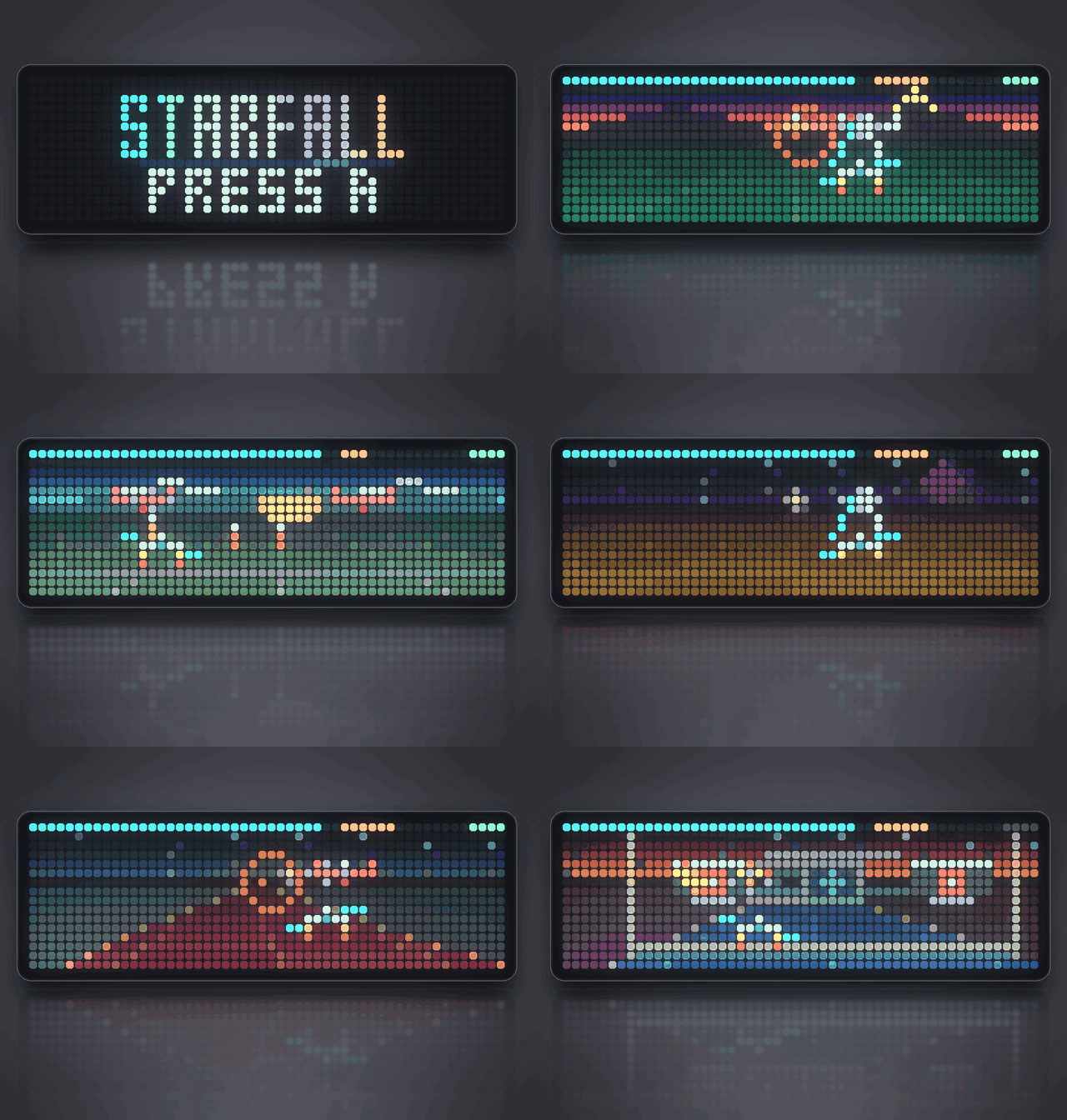
On your display
A cinematic rail shooter for the Ulanzi TC002's full 52x16 panel: five worlds, three fighters, lock-on missiles, giant bosses and an original soundtrack.
- Topic
- Gaming
- Includes
- Script
Runs on
- Does not run on Ulanzi TC001 Needs a Bluetooth gamepad, the built-in synthesizer and layered sound effects. Needs a panel of at least 52×16; its panel is 32×8.
- Runs on Ulanzi TC002 Gamepad: turn Bluetooth on and pair one under System → Gamepad on your AWTRIX.
- Does not run on ESP32 (DIY) Needs a Bluetooth gamepad, the built-in synthesizer and layered sound effects.
- Does not run on ESP32-S3 (DIY) Needs a Bluetooth gamepad, the built-in synthesizer and layered sound effects.
- Does not run on Ulanzi TC001 with AWTRIX 3 Made for AWTRIX NG.
- Does not run on ESP32 (DIY) with AWTRIX 3 Made for AWTRIX NG.
Choose your display in the next step.
Flow description
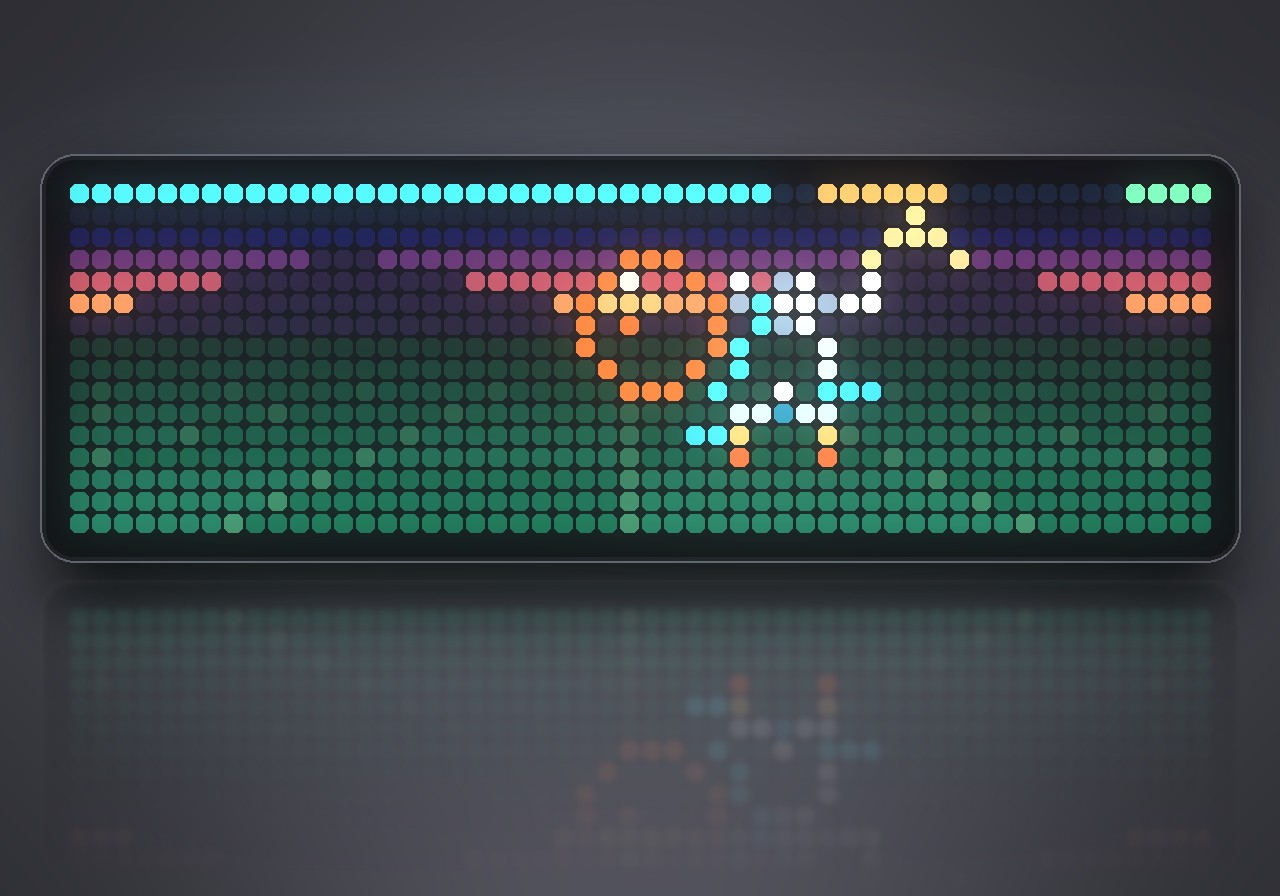
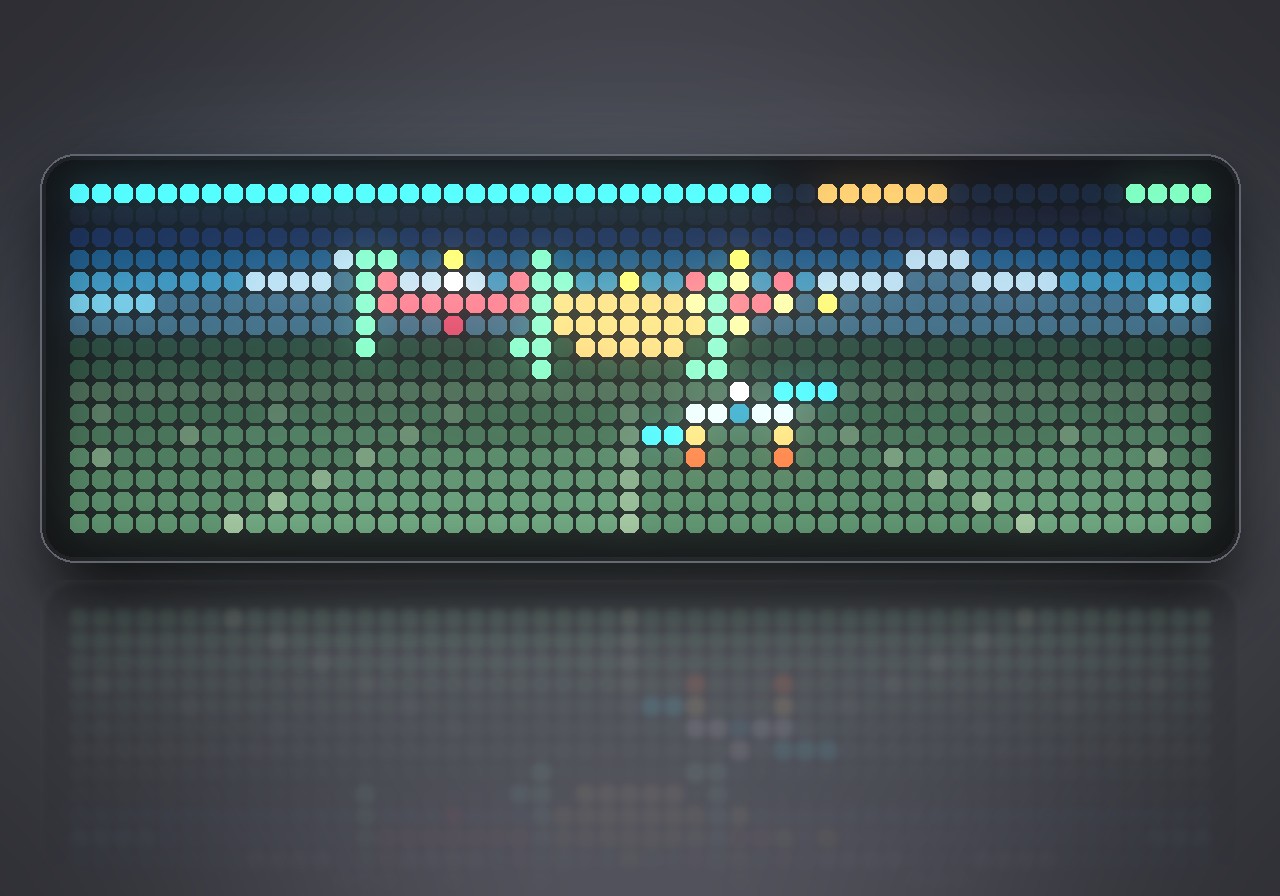
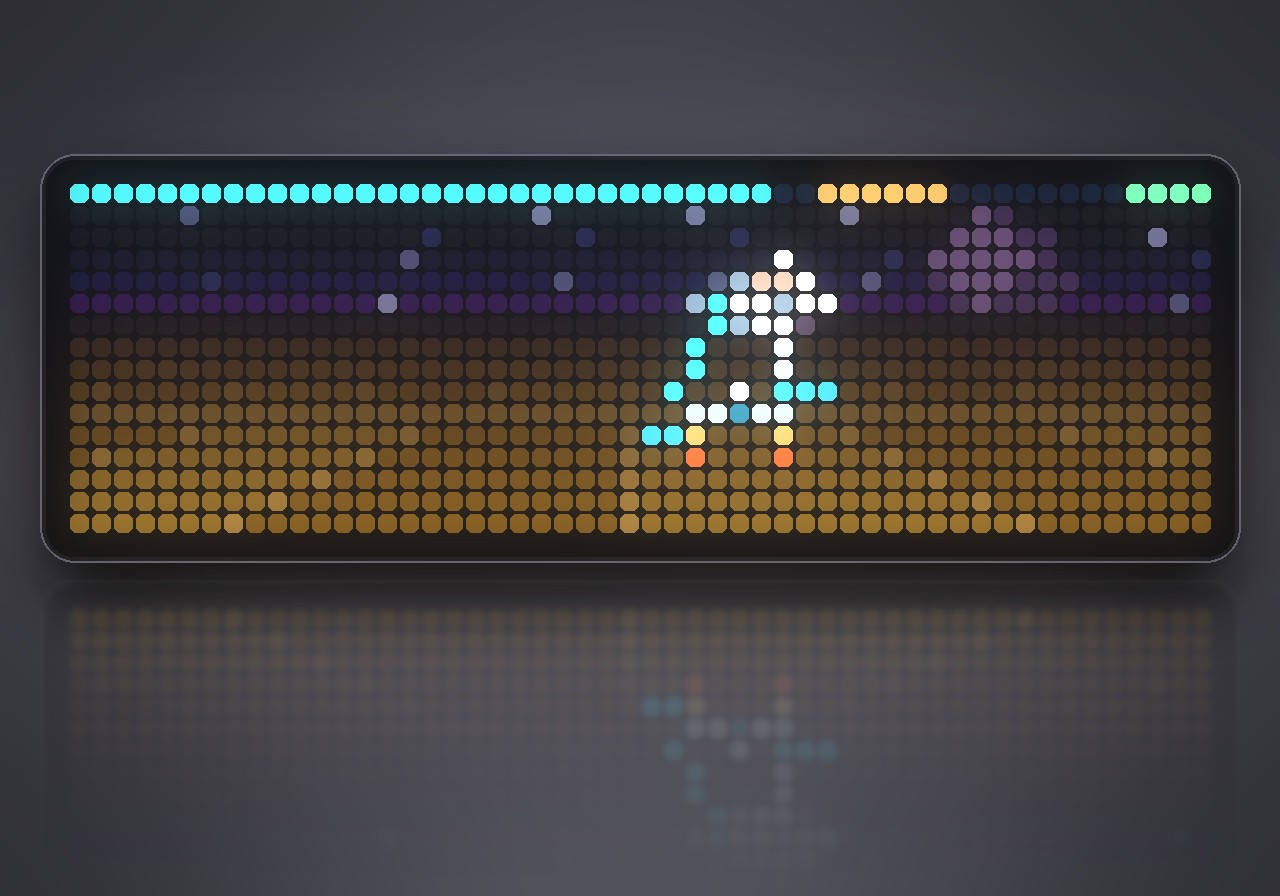
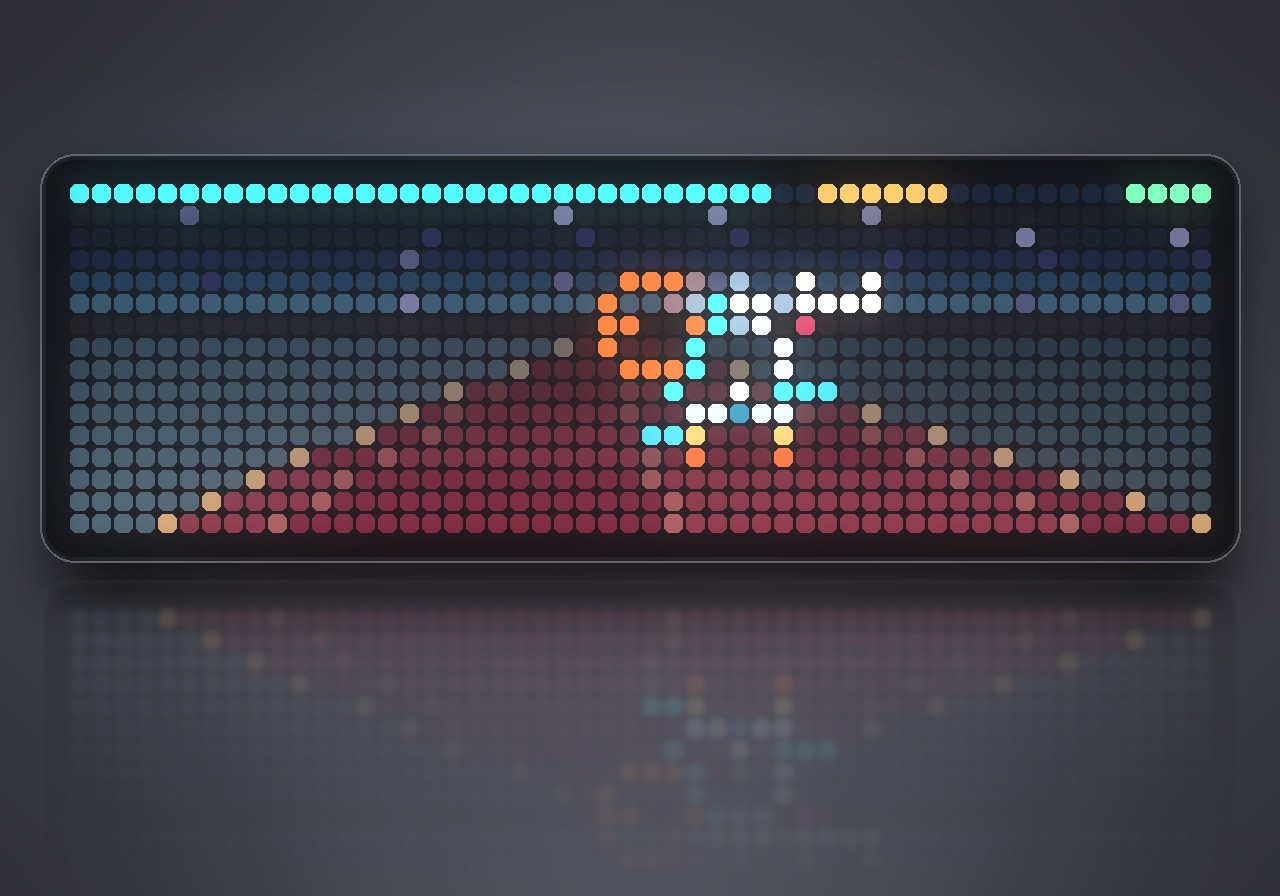
Five worlds. Three fighters. One last flight through a collapsing reactor. STARFALL is a pixel rail shooter: skim a sunset sea, cross frozen peaks, thread an asteroid belt and attack a giant warship before diving into its heart. Fly with a Bluetooth gamepad while lasers, homing missiles and an original soundtrack bring the battle to life.
What's inside
- Five worlds: AURORA, CRYOSTORM, SHATTER, DREADNOUGHT and HEARTCORE, each with its own colors and music. Moving ground tiles, distant silhouettes and expanding tunnel frames create the sense of rushing forward.
- Three fighters: KESTREL combines quick handling with rapid lasers; BASTION carries more hull and missiles; LANCER trades armor for powerful laser hits.
- Multi-target missiles: hold A to acquire up to three enemies, then release it to launch. Green brackets show which targets are ready.
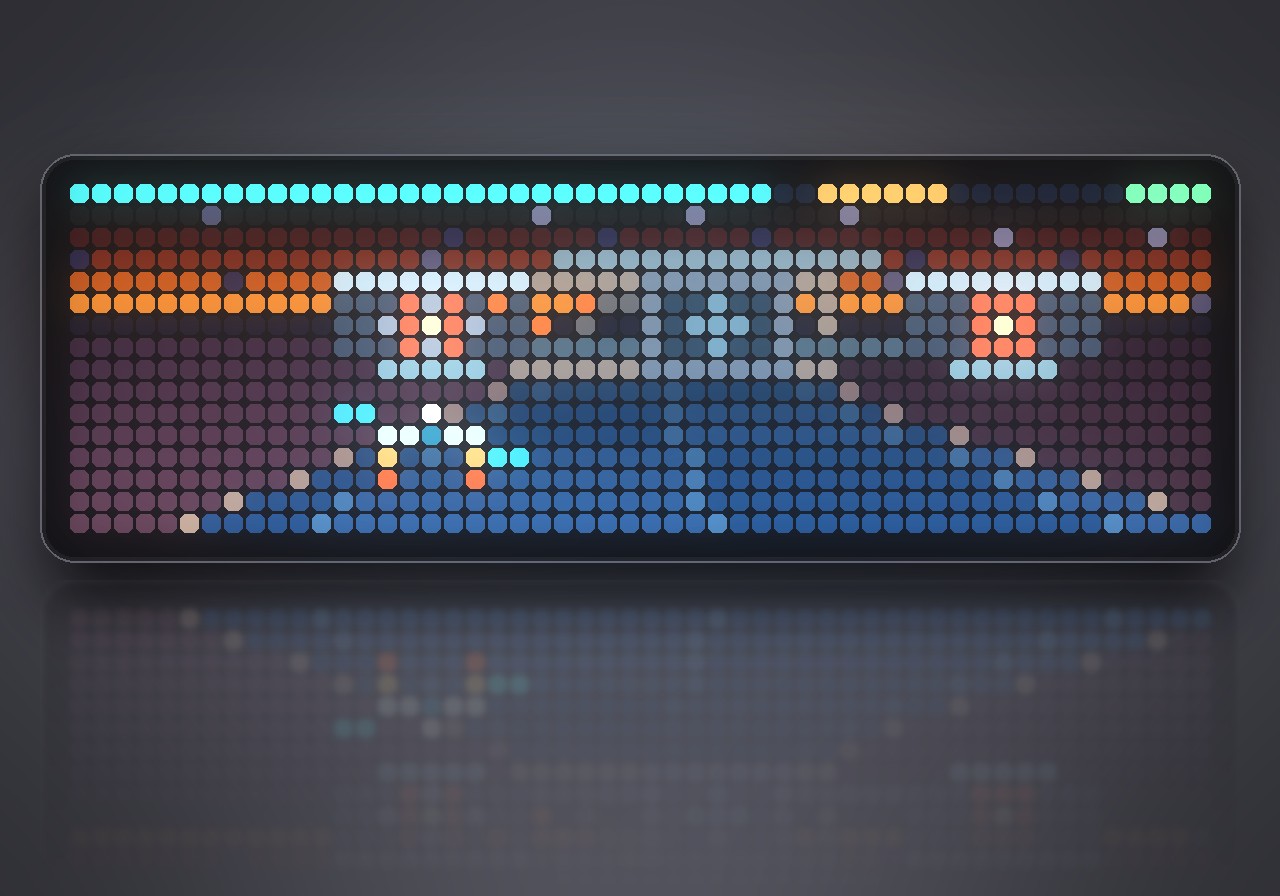
- Giant bosses: destroy each warship's two weapons to expose its armored core. The final reactor battle leads into an eighteen-second escape.
- Branching routes: take the low route for more debris and a score bonus, or the high route for more patrols. Intercept green supply rings to repair your hull and replenish missiles.
- Campaign and replay: resume at mission boundaries, replay unlocked sectors and earn bronze, silver or gold medals. Best scores are saved for each fighter and mission.
- Original sound: nine music tracks and eleven sound effects, all included. Sound and music can be switched off separately.
What you need
- An Ulanzi TC002 with AWTRIX NG. The game uses its whole 52×16 panel.
- A Bluetooth gamepad, paired under System → Gamepad in the web UI.
- All music and effects are included in the game. There are no additional sound files to download.
How to play
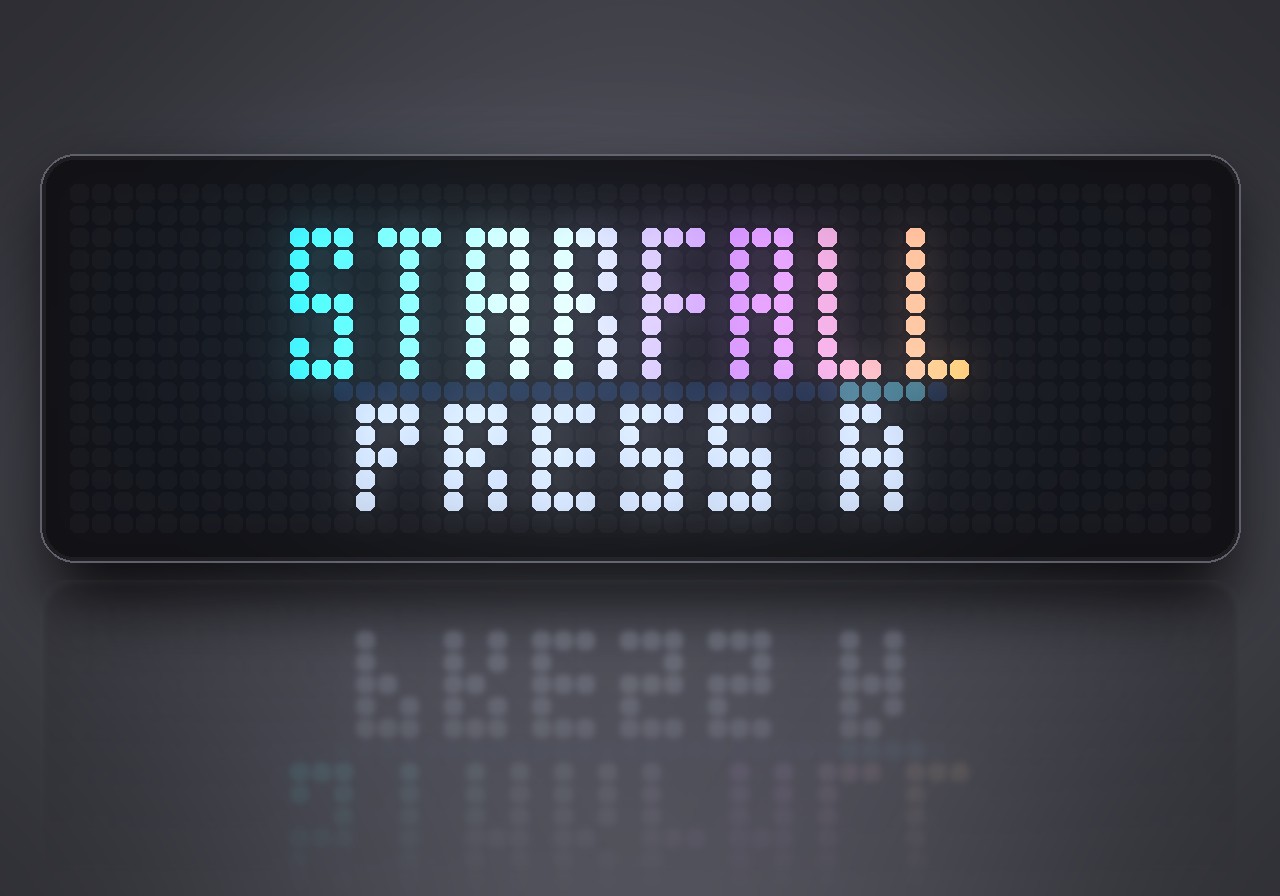
Hold the clock's middle button, choose Scripts → Starfall, then press A or START. Choose NEW FLIGHT for a campaign, CONTINUE for your saved flight, or MISSIONS to revisit unlocked sectors. Hold the middle button again to leave; your campaign progress, medals and records stay saved.
| Action | Button |
|---|---|
| Fly and move the aiming reticle | Left stick or D-pad |
| Fire lasers | RT, R2, R1 or Y |
| Acquire missile targets | Hold A and aim at enemies |
| Launch acquired missiles | Release A |
| Barrel roll with brief damage protection | B or L1 |
| Pause / resume | START |
| Resume from pause | A |
| Leave a flight from pause | B or SELECT |
| Choose a menu entry | D-pad up/down |
| Choose fighter or mission | D-pad left/right |
| Confirm / go back | A / B |
Lasers have unlimited ammunition. Missiles are limited, and laser fire stops while A is held. Keep moving to dodge incoming orange shots; a barrel roll can save you when a gap closes. The top row shows hull, missile ammunition and roll readiness. To defeat a boss, remove both side weapons before attacking the center.
Settings
Open the gear beside Starfall in the web UI's Apps list:
- Skill: easy, normal or hard.
- Sound: switch combat and menu effects on or off.
- Music: switch the soundtrack on or off.
- Flight sensitivity: adjust how quickly the fighter responds.
Sign in to view and copy the code of this flow.
Discussion 0
Ask a question, suggest a change or share how you use it.
No comments yet. Start the conversation.
More flows for AWTRIX NG Scripts or Gaming
Something wrong with this flow? Report it.
Have an idea?
Sign in to ask questions and join the conversation.