Spotify TC002
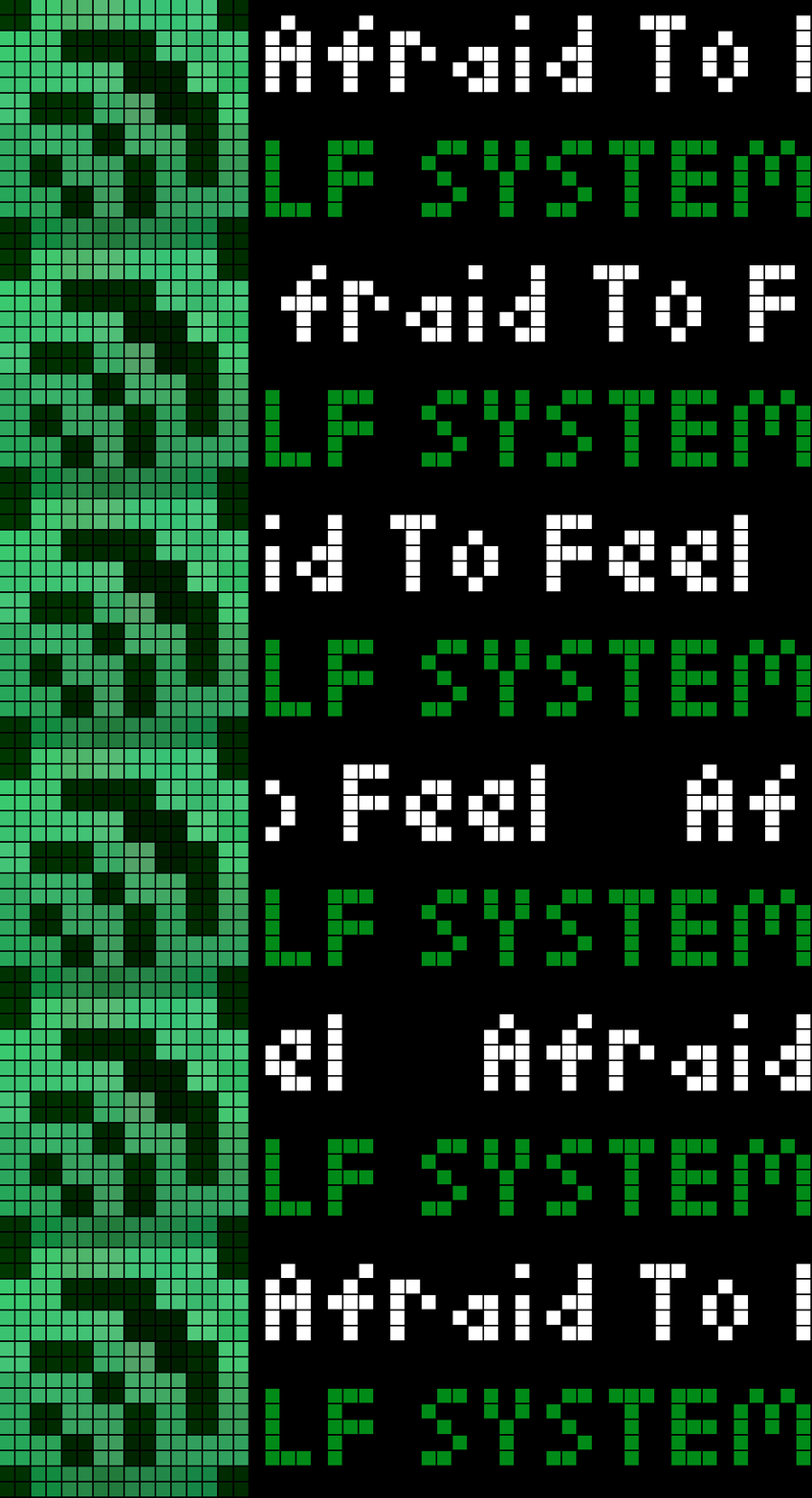
On your display
When a spotify track changes, it displays a notification featuring an icon, the track title, and the artist
- Topic
- Miscellaneous
- Includes
- Script
Runs on
- Does not run on Ulanzi TC001 Needs a panel of at least 52×16; its panel is 32×8.
- Runs on Ulanzi TC002
- Runs on ESP32 (DIY) Needs a panel of at least 52×16.
- Runs on ESP32-S3 (DIY) Needs a panel of at least 52×16.
- Does not run on Ulanzi TC001 with AWTRIX 3 Made for AWTRIX NG.
Choose your display in the next step.
Flow description
Spotify Track Display for AWTRIX NG (TC002)
The app runs in the background and checks Spotify every 10 seconds. When the track changes, it displays a notification featuring an icon, the track title, and the artist. You can customize the icon ID, text colors, and display duration in the app settings.
You need three Spotify values for the setup:
- Client ID and Client Secret: Create an app in the Spotify Developer Dashboard. You will find both values in the settings for that Spotify app.
- Refresh Token: Grant your Spotify app access to your account once. To do this, use the Spotify Authorization Code Flow with the
user-read-currently-playingscope. You will receive therefresh_tokenwhen exchanging the authorization code for tokens. It is not listed in the Developer Dashboard. - Enter all three values into the AWTRIX app settings. The script will subsequently handle the renewal of the short-lived access token automatically.
Spotify apps in "Development Mode" require the app owner to have a Premium subscription. The refresh token expires after six months, at which point you will need to re-authorize the account. Treat the Client Secret and Refresh Token like passwords.
Sign in to view and copy the code of this flow.
Discussion 0
Ask a question, suggest a change or share how you use it.
No comments yet. Start the conversation.
More flows for AWTRIX NG Scripts or Miscellaneous
Something wrong with this flow? Report it.
Have an idea?
Sign in to ask questions and join the conversation.